

Loading
3366 Members
 Join Permit's Slack
Authentication, or AuthN, answers: who you are. Authorization, or AuthZ, answers: what you're allowed to do.
Put differently: authentication verifies identity; authorization enforces permissions. You authenticate when you log in with SSO, a password, MFA, a magic link, or a passkey. You authorize when the application decides whether that authenticated user can view a report, invite a teammate, export an invoice, approve a transaction, or access data in a specific tenant.
Both are required for secure applications. They are not the same control — and treating them as one leads to brittle permissions, privilege creep, and access decisions that are hard to explain.
A user signs in with Okta, Auth0, Microsoft Entra ID, Google, or another identity provider. The IdP verifies the user's identity and returns a token to your application. That is authentication.
Now the same user clicks "Export invoice" for a specific customer account. Your application still needs to decide: Is this user a member of this tenant? Do they have permission to export invoices? Are they an admin, finance user, or read-only viewer? Is export allowed for this plan, region, or workflow state? Should the decision be logged for audit?
That is authorization.
The user may be perfectly authenticated and still not authorized. A valid login should never imply access to every resource. Same idea as a badge reader: it authenticates that the card belongs to Alice; authorization decides whether Alice can open this door at this time.
Authentication establishes identity — typically via SSO, OAuth 2.0 / OpenID Connect, SAML, passwords, MFA, magic links, passkeys, API keys, or machine identities.
Authorization happens after identity is known. It evaluates whether that identity can perform an action on a resource in context:
Can user:alice export invoice:987 in tenant:acme?
Can service:billing read customer:123?
Can manager:bob approve refund:456 above $10,000?
Authentication tells you the caller is Alice. Authorization tells you what Alice can do.
HTTP status codes make this distinction visible, but the naming is confusing.
| Status code | Meaning | Usually indicates | Example | What to do |
|---|---|---|---|---|
401 Unauthorized |
The request is not properly authenticated | AuthN failure | Missing token, expired session, invalid API key | Log in again, refresh the token, or provide valid credentials |
403 Forbidden |
The user is authenticated, but not allowed to perform the action | AuthZ failure | User is logged in but cannot export invoices | Show access denied, request access, or contact an admin |
The confusing part is the name "401 Unauthorized." In practice, 401 means unauthenticated, not "authenticated but unauthorized."
Use 401 when the caller has not proven who they are. Use 403 when the caller is authenticated, but policy says they cannot perform the requested action.
401 Unauthorized: no valid session or token was provided.
403 Forbidden: valid user, but no permission to delete this workspace.
That distinction matters for product behavior, logs, incident response, and security reviews. "We don't know who this is" and "we know who this is, and they are not allowed" are different events.
Identity providers like Auth0, Okta, and Microsoft Entra ID are essential. They handle login and SSO, MFA, user lifecycle, enterprise federation, directory sync, identity claims, and often groups or roles at the identity layer. You should not rebuild SSO or MFA inside every application.
But an IdP does not replace application authorization.
Application AuthZ depends on your product's domain model: resources (projects, invoices, tickets), actions (view, edit, approve, export), tenants (organizations, workspaces), relationships (owner, member, assignee), and context (plan, region, data classification, workflow state).
An IdP may know Alice belongs to the Finance group. Your app still needs to decide whether Alice can export invoice:987 from tenant:acme under the current plan and policy. That is not a login problem — it is an authorization control-plane problem.
Many teams start with:
if user.role == "admin":
    allow()
That works until the product grows. Tenants, custom roles, delegated admin, enterprise plans, regional restrictions, and audit requirements spread permission logic across services, endpoints, UI components, and jobs. At that point, authorization is infrastructure — not a few if statements.
I wrote more about that pattern here: Stop Rebuilding Permissions in Application Code.
RBAC is useful, but real-world SaaS AuthZ often combines role-based, attribute-based, relationship-based, and tenant-aware rules. Access may depend on role, resource ownership, organization, data region, subscription tier, and workflow state.
The critical question is not only "allow or deny?" — it is why? Security, support, auditors, and customers need explainable decisions: which policy applied, which role or attribute caused the result, and whether the decision can be reproduced later. "The code said no" is not strong evidence.
I go deeper on that here: Explainable Deny: The Authorization Evidence SOC 2 Reviewers Actually Ask For.
Permit.io externalizes application authorization so teams do not hardcode permissions across the codebase.
1. Authenticate the user with your IdP.
2. Receive identity data (user ID, tenant, groups, claims).
3. Ask Permit: can this subject perform this action on this resource?
4. Enforce allow/deny — and log an explainable decision.
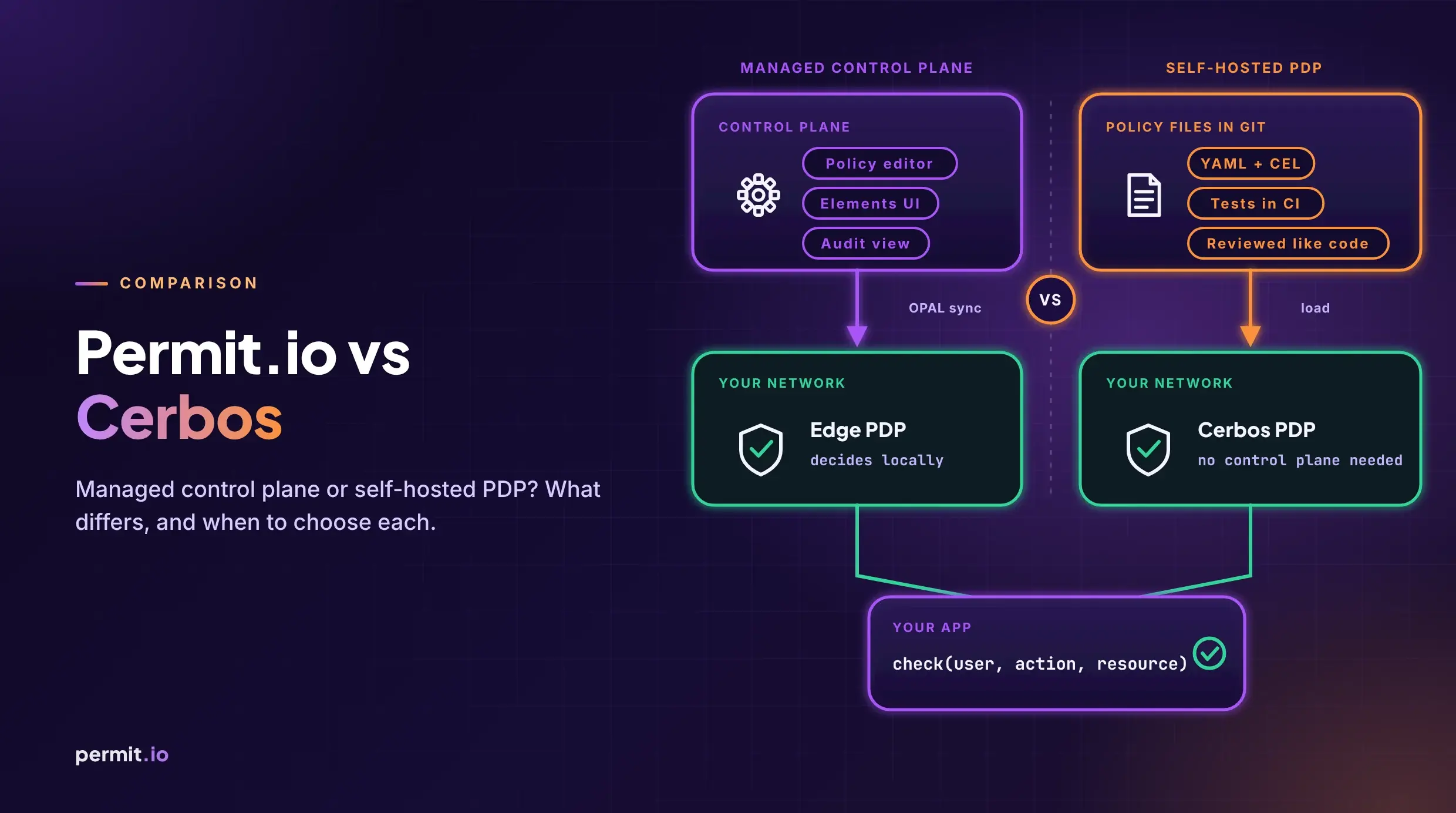
Permit uses a hybrid PDP (Policy Decision Point) model: a central control plane for policy management, with authorization decisions evaluated close to your application in the data plane. That keeps AuthZ fast, reliable, and privacy-conscious on the product critical path. OPAL keeps policy and authorization data synchronized in near real time so teams manage AuthZ centrally without forcing every check through a remote cloud call.
Docs:
Clean separation of concerns: IdP authenticates; the application defines product behavior; Permit manages and evaluates AuthZ policy; a PDP near the app makes low-latency decisions; audit logs help explain what happened and why.
Authentication = who you are. Authorization = what you're allowed to do.
Your IdP should handle identity. Your application authorization layer should handle fine-grained, resource-level, tenant-aware, explainable access decisions.
For HTTP responses: 401 means the request is not properly authenticated; 403 means the user is authenticated but not authorized.
Permit helps teams externalize application AuthZ, run decisions close to the app with a hybrid PDP, and produce clearer audit evidence for access decisions.
Disclaimer: using Permit — or any authorization platform — does not automatically make a company SOC 2 compliant. Compliance depends on your broader security program, controls, processes, and evidence. A strong AuthZ layer helps you enforce access consistently and produce evidence security teams and auditors expect.

Co-Founder / CEO at Permit.io